What happens to your records when you move to a new LMS?
Moving to a new LMS does not carry compliance records over by default. See what transfers, what needs scoping, and what to check before you commit.

Balanita team Analysts, developers and support engineers
Published
5 min read
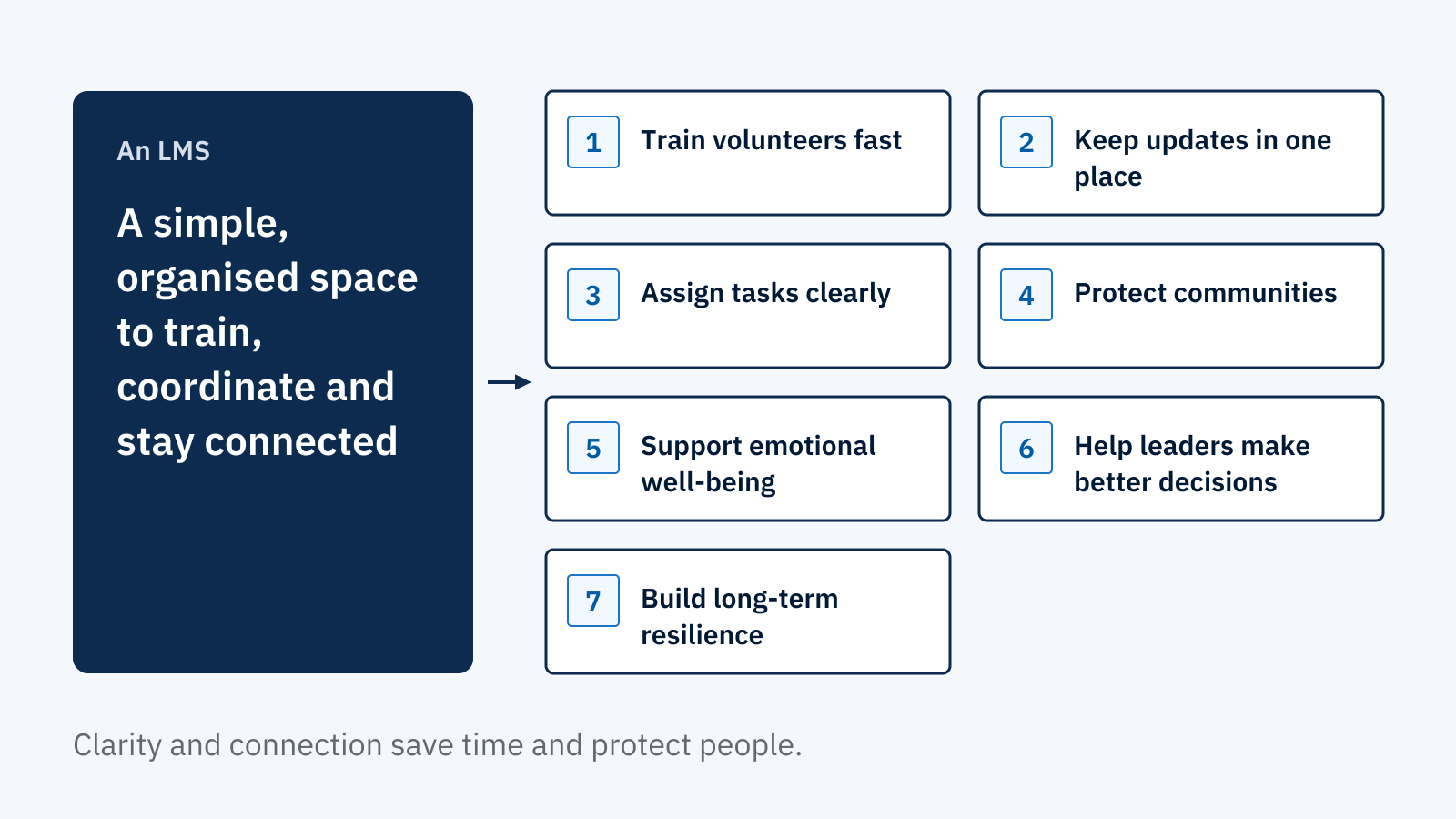
Not automatically. When an LMS moves to a new platform, your current users usually come across cleanly through a bulk import. Your completion history, certificates and compliance records do not move on their own; they are a separate decision, written into the requirements summary before the build starts, not something any provider should assume.
That distinction matters most to HR, because compliance records are the part a migration can quietly lose. If the term managed LMS is new to you, start with what a managed LMS is and what the provider does each month.
This post covers what moves by default in a platform rebuild, what Balanita checks before taking over an existing LMS, how a migration is priced, and what to ask before you commit your compliance history to a new platform.
What moves automatically when you migrate to a new LMS, and what does not?
Bulk user import, structure and branding are part of every Balanita Launch build, built fresh for the new platform. Historic completion records, certificates already issued and SCORM course packages are not assumed; they depend on what the old platform can export and what the new one can import, and that gets scoped in writing.
Swipe sideways to see every column.
| Usually moves by default | Usually needs separate scoping |
|---|---|
| Current users, from a bulk import of your user file | Historic completion and enrolment history |
| Course categories and structure, rebuilt for the new platform | Certificates already issued to learners |
| Roles: administrator, manager, instructor, learner | Existing SCORM packages, depending on what each platform supports |
| Branding, from your logo, colours and fonts | Integrations the old platform had, such as SSO |
The left column is included in a standard build. The right column is not automatically out of scope either, it is simply a question that needs an answer before the project starts, not after.
Does Balanita check an existing LMS before taking it over?
Yes. Before Balanita takes on an LMS built by someone else, it runs a free platform audit. The audit checks configuration, security, plugin health and existing learner data, the same records a migration would need to carry forward.
Swipe sideways to see every column.
| Audit outcome | What happens next |
|---|---|
| Platform meets our standard | Monthly service starts the following month. |
| Platform needs remediation | We scope and quote the fix before we proceed. |
| Platform is hosted by a third-party software vendor | Reviewed case by case. |
The audit is not the migration itself. It tells you, and us, what state the current platform and its data are actually in, before anyone commits to moving it.
Is a migration priced as a project, or does it come out of the monthly fee?
As a one-time project. A major rebuild or a migration is scoped as a Balanita Launch project, priced from the tiers on the pricing page, not covered by Balanita Manage’s one included minor change a month, which covers changes under 30 minutes.
Swipe sideways to see every column.
| Tier | Price | Built for |
|---|---|---|
| Core | US$ 4,000 | Up to 500 learners |
| Professional | US$ 8,500 | Up to 2,000 learners |
| Enterprise | From US$ 15,000, quoted by scope | 2,000+ learners |
A migration that only needs a bulk import and a fresh course structure usually sits inside Core or Professional. One that needs historic records carried over in a specific format, or SCORM packages rebuilt for the new platform, adds to that scope, and is quoted once the audit or the requirements summary has set out exactly what is involved.
Does moving servers mean moving the LMS platform too?
No, they are separate decisions. Moving your hosting to a different provider is scoped and quoted under Server Management, after a review of your current setup. Moving the LMS platform itself, the software your learners use, is a Launch project. You can change one without touching the other.
Swipe sideways to see every column.
| Server migration | Platform migration | |
|---|---|---|
| What changes | Where the server runs | The LMS software itself |
| Scoped under | Server Management, after a review of the current setup | Balanita Launch |
| Learner-facing impact | None, if done correctly | New interface, new build, data decisions apply |
What should HR check before migrating to protect compliance records?
Ask five things in writing before you commit: what the old platform can export, whether historic completion records transfer and in what format, whether issued certificates stay valid or need reissuing, who verifies record accuracy after the move, and what the full project timeline is.
Swipe sideways to see every column.
| Question | Why it matters |
|---|---|
| What can the old platform export? | Sets the ceiling on what can realistically move. |
| Do historic completion records transfer? | The part a rushed migration most often drops. |
| Do issued certificates stay valid? | A compliance question, not just a technical one. |
| Who verifies accuracy after the move? | Someone should check the numbers match before the old platform is switched off. |
| What is the full timeline? | A migration with compliance records usually runs longer than a plain rebuild. |
What should you bring to a discovery call?
Bring a note of what your current platform holds: how many years of completion records, whether certificates are stored on it, and whether any compliance deadline falls near your planned move date. On the free 30-minute call we ask what you need to keep, and we tell you honestly what will and will not move by default. No platform is named on the call. If Balanita is the right fit, the written requirements summary follows within 3 business days, and your exact first-year cost is confirmed in writing before any payment.
Frequently asked questions
Does moving to a new LMS keep our old completion and compliance records?
Not automatically. Bulk user import, included in every Balanita Launch tier, brings your current users into the new platform. Historic completion records, certificates and SCORM content are a separate question, scoped and confirmed in the written requirements summary before the build starts, not assumed by default.
Does Balanita check our existing LMS before taking it over?
Yes, with a free platform audit. It checks configuration, security, plugin health and existing learner data. If the platform meets our standard, the monthly service starts the following month. If it needs remediation first, we scope and quote that before we proceed.
Is a migration or rebuild a one-time cost or part of the monthly fee?
A one-time cost. Major rebuilds and migrations are scoped as a Balanita Launch project, priced from US$ 4,000 and rising with scope. Balanita Manage's one included minor change a month covers changes under 30 minutes, not a rebuild or a migration.
Can we move our server without migrating the LMS platform itself?
Yes. Moving to a different host is scoped and quoted separately under Server Management, after a review of your current setup. That is a different project from a Launch rebuild, which changes the platform itself. You can do one without the other.

Written by
Balanita team
Balanita's analysts, developers and support engineers choose, build and run learning platforms for corporate and professional training teams.
Balanita on LinkedIn